Flexible Competency Testing for Airside Training Teams
Flexible Competency Testing for Airside Training Teams
Flexible Competency Testing for Airside Training Teams
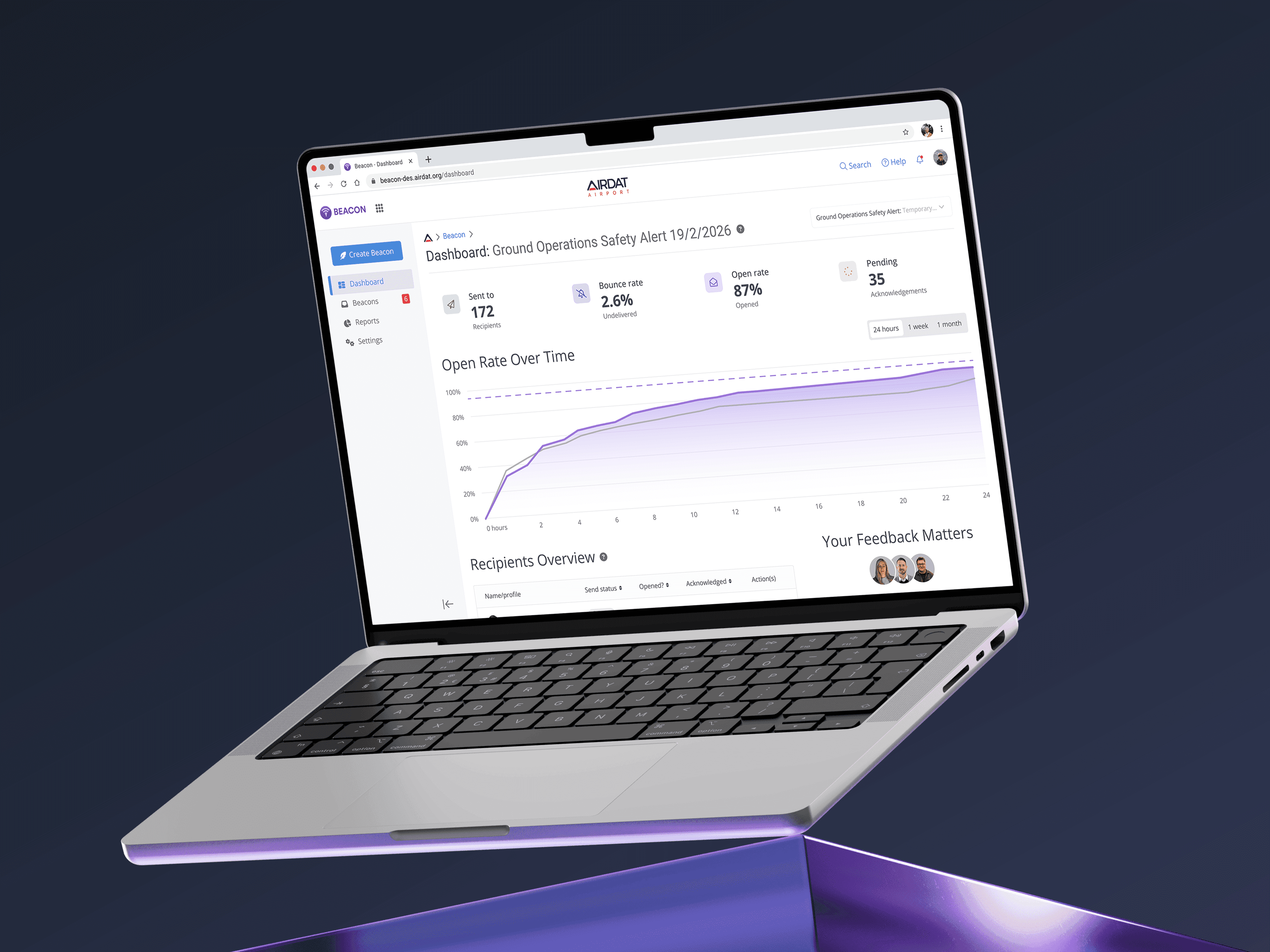
Built to replace a neglected, portrait tablet-only assessment tool, this redesign of Visa's competency tests lets assessors run in-person airside evaluations on mobile, tablet, or in the browser.
Built to replace a neglected, portrait tablet-only assessment tool, this redesign of Visa's competency tests lets assessors run in-person airside evaluations on mobile, tablet, or in the browser.
Built to replace a neglected, portrait tablet-only assessment tool, this redesign of Visa's competency tests lets assessors run in-person airside evaluations on mobile, tablet, or in the browser.
Role
UX Researcher
UI Designer
Tools
Figma
Claude
Team
Development Team
QA Engineer
Timeline
Apr '26
Role
UX Researcher
UI Designer
Tools
Figma
Claude
Team
Development Team
QA Engineer
Timeline
Apr '26

The problem
A Critical Feature, Left Behind
Competency tests are in-person assessments where an assessor watches a candidate perform a real airside task and checks off criteria as they go. They're a core part of training and compliance at many airports, and in a recent poll, 43% of airports named training and competency tests as their primary use of Visa, the most of any capability.
Despite that, the feature had been neglected for years. Institutional knowledge had eroded to the point where no one on the development team fully understood how it worked, making it risky to maintain and difficult to evolve.
It was also tablet-only, in portrait, locking out training teams without tablet hardware. And the experience itself was visually and functionally outdated, with no consideration for the conditions assessors work in: gloves, rain, and bright sunlight.
The problem
A Critical Feature, Left Behind
Competency tests are in-person assessments where an assessor watches a candidate perform a real airside task and checks off criteria as they go. They're a core part of training and compliance at many airports, and in a recent poll, 43% of airports named training and competency tests as their primary use of Visa, the most of any capability.
Despite that, the feature had been neglected for years. Institutional knowledge had eroded to the point where no one on the development team fully understood how it worked, making it risky to maintain and difficult to evolve.
It was also tablet-only, in portrait, locking out training teams without tablet hardware. And the experience itself was visually and functionally outdated, with no consideration for the conditions assessors work in: gloves, rain, and bright sunlight.
The solution
Assessments Built Around How Assessors Actually Work
The competency test experience was rebuilt on Visa's new design system as part of the app's wider modernisation. Research with working assessors reshaped the core workflows and strengthened accountability: penalty point thresholds, photo evidence, and both candidate and assessor sign-off before a test can be completed.
Responsive Across Every Context
Assessors can now run competency tests on mobile, tablet, or in the browser via AIRDAT Passport for teams without app-enabled devices. One flow adapts to every screen, removing the tablet-only constraint that previously excluded some training teams altogether.
A Faster Path Into Every Test
Previously, the only route into a competency test was through a user's profile, meaning assessors had to search, select, and drill in every time they switched between candidates. The redesign adds a second entry point directly through assessments, where every in-progress test is clearly visible. Assessors can save and exit one test and resume another in two steps.


Progress Saving Where It Matters Most
Research revealed a workflow the old feature never accounted for. Because tests are time-consuming, assessors often run multiple candidates at once, starting acknowledgements together in the office before heading out to the vehicle to finish them. The old flow couldn't save progress during the acknowledgements stage, which broke this workflow completely. The redesign lets assessors save each candidate's acknowledgements mid-stage and pick up where they left off at the vehicle.


The solution
Assessments Built Around How Assessors Actually Work
The competency test experience was rebuilt on Visa's new design system as part of the app's wider modernisation. Research with working assessors reshaped the core workflows and strengthened accountability: penalty point thresholds, photo evidence, and both candidate and assessor sign-off before a test can be completed.
Responsive Across Every Context
Assessors can now run competency tests on mobile, tablet, or in the browser via AIRDAT Passport for teams without app-enabled devices. One flow adapts to every screen, removing the tablet-only constraint that previously excluded some training teams altogether.
A Faster Path Into Every Test
Previously, the only route into a competency test was through a user's profile, meaning assessors had to search, select, and drill in every time they switched between candidates. The redesign adds a second entry point directly through assessments, where every in-progress test is clearly visible. Assessors can save and exit one test and resume another in two steps.
Progress Saving Where It Matters Most
Research revealed a workflow the old feature never accounted for. Because tests are time-consuming, assessors often run multiple candidates at once, starting acknowledgements together in the office before heading out to the vehicle to finish them. The old flow couldn't save progress during the acknowledgements stage, which broke this workflow completely. The redesign lets assessors save each candidate's acknowledgements mid-stage and pick up where they left off at the vehicle.

THE SHOWCASE
Assessments, Anywhere


THE SHOWCASE
Assessments, Anywhere
The RESEARCH
Research & Rediscovery
With internal knowledge of the feature almost entirely lost, the first challenge was simply understanding how competency tests worked. I approached this in three stages, with each stage building on the last.
Reconstructing the Feature
I started with AIRDAT's own support documentation, using the step-by-step guides and screenshots on the competency tests support page to build a baseline understanding of what the feature was for, who used it, and how a test flowed from start to finish.


Hands-On Exploration
I then ran example tests end to end on a live environment, on a call with our QA engineer, deliberately exploring different scenarios: passing and failing candidates, accruing points, adding notes, attaching evidence, and abandoning tests mid-flow. Working through it together surfaced how the system actually behaved beyond what the documentation described, including its edge cases and limitations.
Assessor Interviews
Finally, I interviewed two experts: a former head of training at a major UK airport familiar with competency tests in Visa, and a current assessor who runs tests most weeks and regularly hears feedback from other assessors. These conversations were by far the most valuable stage. Going in with a basic understanding of the feature meant I could ask the right questions and fixate on the pain points rather than asking for a feature tour.
The interviews surfaced workflows I couldn't have found internally. The most significant example: because competency tests are time-consuming, assessors routinely pair candidates up and run them in parallel, starting acknowledgements together in an office before moving to the vehicle to complete the rest. The old feature couldn't save progress mid-acknowledgements, which broke this workflow, and fixing it became a defining part of the redesign. The interviews also grounded the case for a faster entry point. On the airfield, wearing gloves, in rain or bright light, every unnecessary step is real friction.

The RESEARCH
Research & Rediscovery
With internal knowledge of the feature almost entirely lost, the first challenge was simply understanding how competency tests worked. I approached this in three stages, with each stage building on the last.
Reconstructing the Feature
I started with AIRDAT's own support documentation, using the step-by-step guides and screenshots on the competency tests support page to build a baseline understanding of what the feature was for, who used it, and how a test flowed from start to finish.
Hands-On Exploration
I then ran example tests end to end on a live environment, on a call with our QA engineer, deliberately exploring different scenarios: passing and failing candidates, accruing points, adding notes, attaching evidence, and abandoning tests mid-flow. Working through it together surfaced how the system actually behaved beyond what the documentation described, including its edge cases and limitations.
Assessor Interviews
Finally, I interviewed two experts: a former head of training at a major UK airport familiar with competency tests in Visa, and a current assessor who runs tests most weeks and regularly hears feedback from other assessors. These conversations were by far the most valuable stage. Going in with a basic understanding of the feature meant I could ask the right questions and fixate on the pain points rather than asking for a feature tour.
The interviews surfaced workflows I couldn't have found internally. The most significant example: because competency tests are time-consuming, assessors routinely pair candidates up and run them in parallel, starting acknowledgements together in an office before moving to the vehicle to complete the rest. The old feature couldn't save progress mid-acknowledgements, which broke this workflow, and fixing it became a defining part of the redesign. The interviews also grounded the case for a faster entry point. On the airfield, wearing gloves, in rain or bright light, every unnecessary step is real friction.
More Work
You Might Like
More Work
You Might Like
More Work
You Might Like
More Work
You Might Like
More Work
You Might Like
More Work
You Might Like